Lighting Tips for Video Calls That Actually Work
Nobody warns you that the biggest obstacle between you and a professional-looking video call isn’t your Wi-Fi or your webcam resolution. It’s the lamp sitting three feet away, pointed the wrong direction. Good tips for video calls almost always start with lighting, not equipment, because even a top-tier camera looks washed out or shadowy under bad light. If you’ve ever wondered why your coworker looks like they’re on a professional broadcast while you look like you’re hiding in a cave, the answer is almost never the camera. It’s the light hitting your face. Here are seven practical, easy-to-apply lighting tips that actually make a visible difference on your next call.
1. Let Natural Light Do the Heavy Lifting
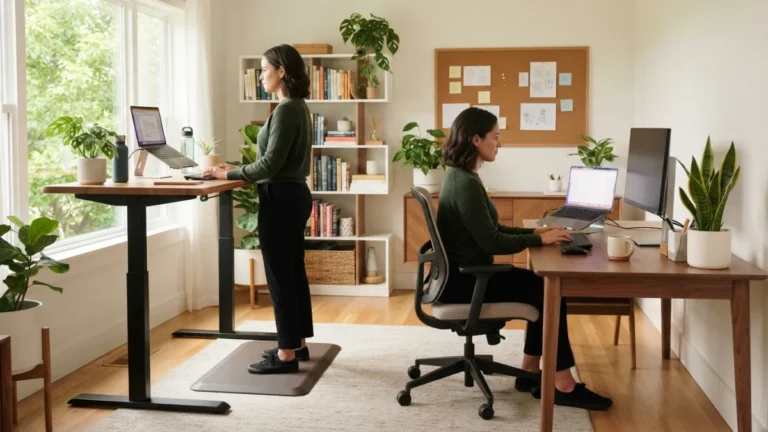
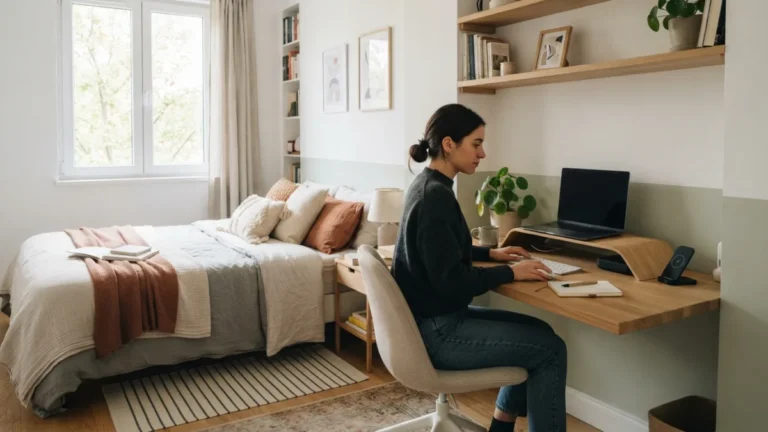
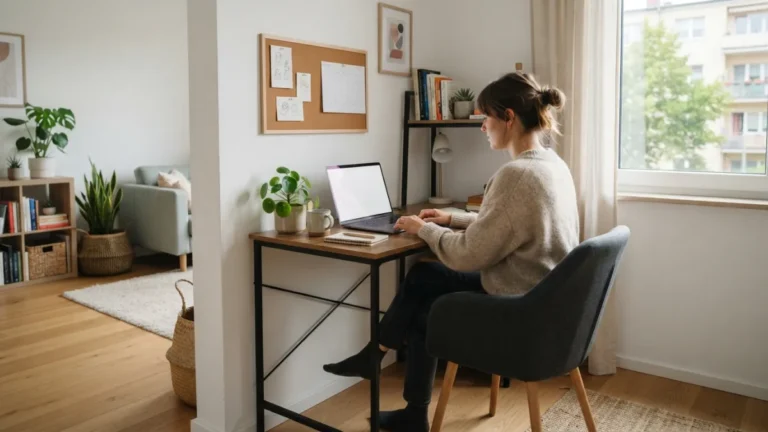
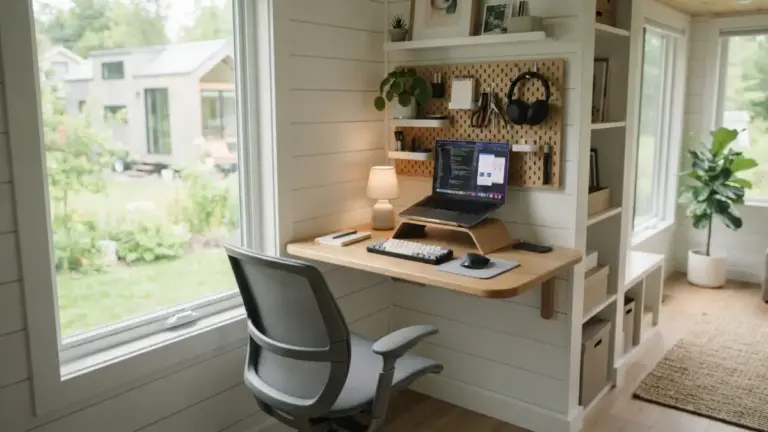
Before buying any gear, try repositioning your desk near a window. Natural light video calls tend to look softer and more flattering than most artificial setups, because daylight spreads evenly across your face instead of creating harsh, directional shadows. The trick is to face the window rather than sit with your back to it. If the window is behind you, your camera will expose for the bright background and turn your face into a dark silhouette. Midday light can be too intense and create squinting, so early morning or late afternoon light usually works best. On cloudy days, the diffused light through the glass is often more forgiving than direct sun. If you want to dig deeper, our guide on Best Budget Desk Setups for Remote Workers covers this in more detail.
2. Put the Light in Front of You, Not Behind
This sounds obvious, but it’s the most common mistake people make on calls. A light source behind you, whether it’s a window, a lamp, or an overhead fixture, will silhouette your face and confuse your camera’s exposure settings. The fix is simple: any light you rely on, natural or artificial, should sit somewhere between you and your screen, ideally just above eye level. Think about it like a photo shoot. The camera needs to see your face lit, not your background. If you can’t move your desk, consider adding a small lamp facing you to counteract a bright window or overhead light behind your shoulders.
3. Consider a Ring Light or Key Light
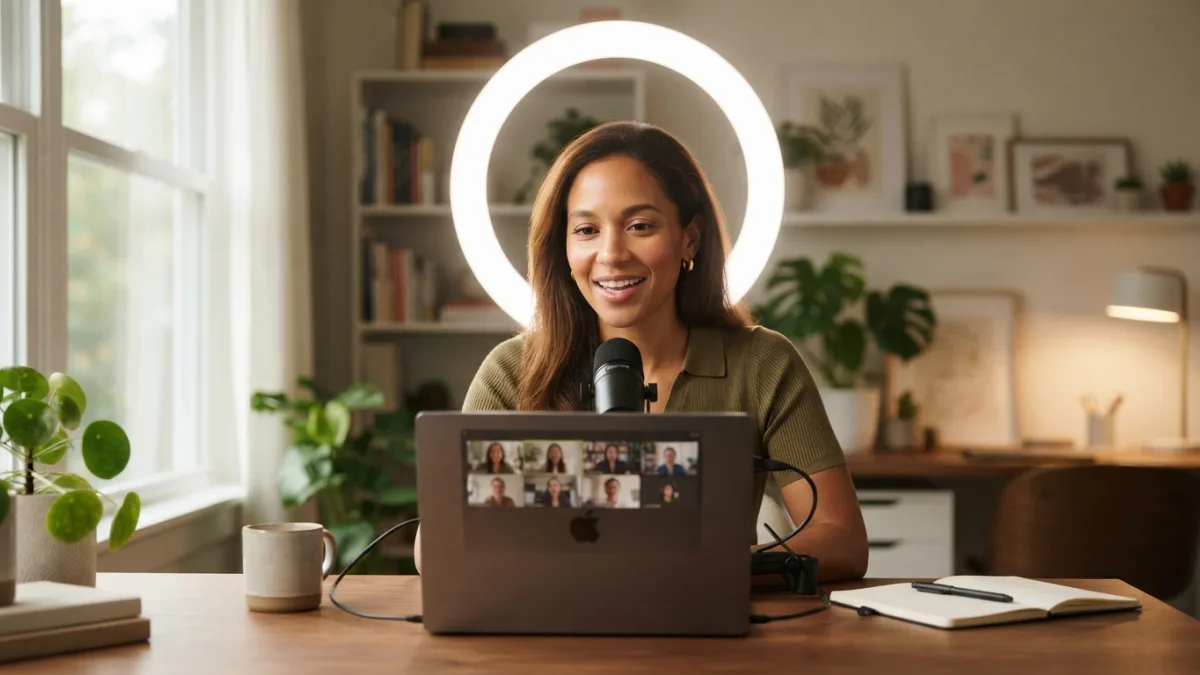
If natural light isn’t reliable where you work, a dedicated light fixture solves the problem year-round. A ring light for Zoom calls has become popular because it wraps light evenly around your face and minimizes shadows under the eyes and chin. Key lights, which are small LED panels on adjustable stands, offer similar benefits with a less circular glow and more control over brightness and angle. Both options are widely available at various price points, and even budget models make a noticeable difference compared to relying on ceiling lights alone. Place the light slightly above and in front of your face, about arm’s length away, for the most natural-looking result.
4. Avoid Relying on Overhead Lighting Alone
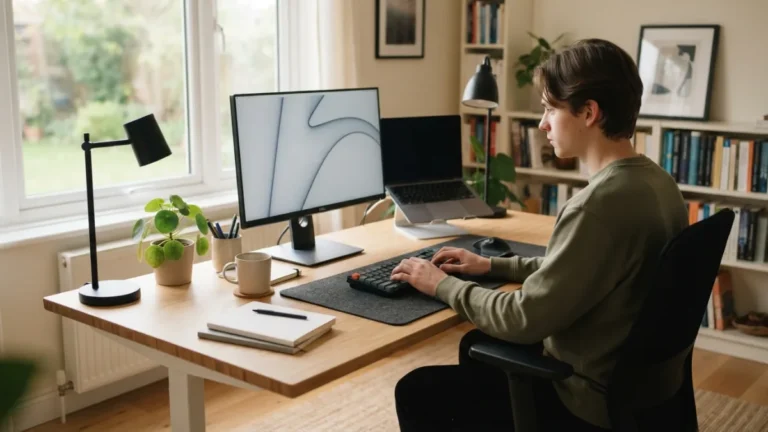
Standard ceiling lights cast light downward, which creates shadows under your eyes, nose, and chin. This is the same effect that makes flashlight-under-the-face stories scary at campfires, just less dramatic. If overhead lighting is your only option, try to soften it by adding a front-facing light source, even something as simple as a desk lamp pointed at your face from behind your laptop screen. Turning on multiple light sources in the room, rather than one single overhead bulb, helps distribute light more evenly and reduces harsh shadows. According to OSHA’s guidance on workstation lighting, balanced lighting also reduces eye strain, which matters if you’re on calls for hours at a time. This connects closely with another common issue — see Signs of Remote Work Burnout (and How to Recover) for more on that.
5. Add a Fill Light to Soften Shadows
Professional photographers use a technique called three-point lighting, and you don’t need a studio to borrow the basic idea. A “fill light” is a secondary, softer light placed on the opposite side of your main light source to reduce shadows on the other side of your face. You can create this effect at home with something as simple as a second lamp, or even a white piece of poster board angled to bounce light back toward you. The goal isn’t to eliminate all shadow, since some depth actually makes faces look more natural on camera, but to avoid one side of your face looking noticeably darker than the other. You can read more about this classic approach on Wikipedia’s overview of three-point lighting.
6. Match Your Light’s Color Temperature
Mixing warm yellow lamps with cool white overhead lights or daylight from a window can make your skin tone look uneven or slightly off in color. This happens because different light sources have different color temperatures, measured in Kelvin, and cameras struggle to correct for more than one type at once. If possible, try to use lights with similar temperatures, or stick to one dominant source and treat the others as gentle fill. Many ring lights and key lights let you adjust the temperature and brightness directly, which makes it easier to match your room’s existing light. For a deeper explanation of how this works, Wikipedia’s page on color temperature breaks down the science in accessible terms.
7. Quick-Fix Tips for Video Calls You Can Try Right Now
Not everyone has time to build a full remote work lighting setup before a call starts in five minutes. If you’re in a pinch, a few small adjustments can still make a real difference. Try angling your laptop screen slightly upward and increasing its brightness, since the glow from the screen itself acts as a mild fill light. Move any desk lamp you already own so it faces you instead of the wall. If you’re near a window, turn your chair to face it rather than sitting with it behind you. These small, quick tips for video calls won’t replace a proper setup, but they can rescue an unexpected meeting when you have no time to prepare. You might also find our article on Notion vs. Trello: Which Is Better for Remote Work? helpful here.
A Few Extra Habits Worth Building
- Clean your camera lens before important calls; dust and fingerprints soften and dull the image.
- Test your lighting a few minutes early using your platform’s preview screen, whether that’s Zoom, Teams, or Google Meet.
- Avoid wearing bright white or very dark clothing, since both can throw off automatic exposure settings.
- Keep a small mirror nearby to check your appearance quickly before joining, especially after moving your setup.
Once you’ve tried a few of these adjustments, you’ll likely find one or two that make the biggest difference for your specific space, and that’s really the point. Lighting isn’t about buying every gadget available; it’s about understanding how light behaves in your room and making small, deliberate choices. Whether you end up relying on a sunny window, a simple desk lamp, or a proper ring light, the goal stays the same: let people see your face clearly without distraction. Once your lighting setup feels right, you’ll likely stop thinking about it altogether, which honestly is the whole point of getting it right in the first place.
Frequently Asked Questions
What is the single most important lighting tip for video calls?
Facing your light source, rather than having it behind you, matters more than any other single factor. Whether it’s a window or a lamp, the light needs to hit your face, not your back.
Is natural light better than a ring light for video calls?
Both work well, but natural light depends on the time of day and weather, while a ring light gives you consistent results regardless of conditions. Many people use natural light when possible and switch to artificial lighting on cloudy days or at night. For a related walkthrough, check out Time Blocking for Remote Work: A Beginner's Guide.
How far should a ring light be from my face?
Roughly arm’s length away, placed just above eye level, tends to give the most flattering and natural-looking result without creating harsh glare or overly bright reflections in your glasses.
Can I fix bad lighting through camera or software settings alone?
Software adjustments like brightness and exposure can help slightly, but they can’t fully compensate for shadows or an unflattering angle. Physical lighting changes almost always produce better results than relying on filters or software corrections.
What’s a fast fix if I only have a few minutes before a call?
Turn your laptop screen brightness up, angle it slightly toward your face, and reposition yourself so any nearby window or lamp faces you rather than sitting behind you.