Shared Home Office Setup: 7 Easy Ways for Couples to Focus
When two people work from the same home, the kitchen table stops feeling cozy around Tuesday. A well-planned shared home office setup can change that, and it does not need a big budget or a spare room. Couples who both work remotely face a special mix of problems: two calendars, two sets of deadlines, and one set of walls. Add a noisy coffee machine and a barking dog, and focus gets hard fast. The good news is that a few smart choices make a big difference. Where you put the desks, how you handle sound, and when you step away from your screens all shape how well you work, and how well you get along at 6 p.m.
This guide walks you through seven practical steps. You do not need to do them all at once, and you do not need to buy new gear for each one. Start with a short talk instead. Sit down together and ask a few simple questions. Who has the most calls? Who needs quiet for deep work? Who needs the better light? Honest answers save money and arguments. Then use the steps below as a checklist, and try the free fixes first, such as moving a desk or agreeing on call times. Most couples find that their setup keeps changing, and that is fine. A good plan bends when your jobs change. If you want to dig deeper, our guide on The Best Focus Apps to Block Distractions at Home covers this in more detail.
7 Easy Ways to Create a Shared Home Office Setup That Works
1. Start with a two person desk layout
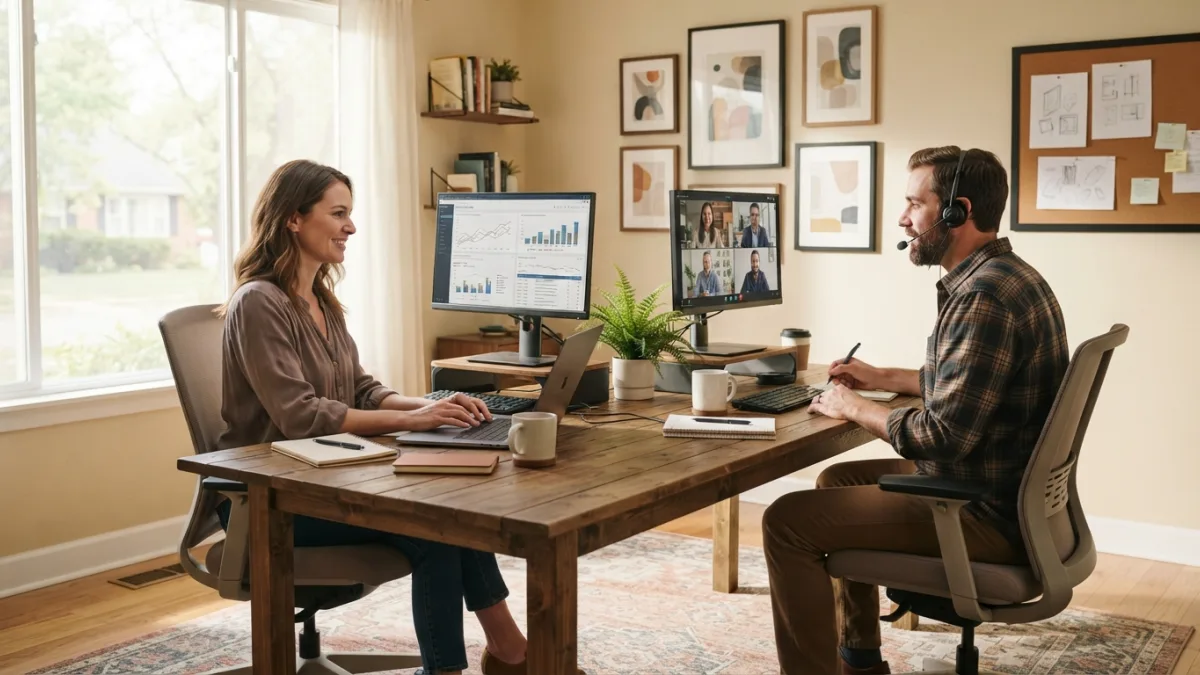
Your layout sets the tone for everything else, so choose it first. Measure the room, mark where the outlets and windows are, and think about what each of you sees during the day. Sitting side by side feels friendly, but you will hear every call. Sitting back to back gives each of you a clean background for video meetings, though you need room to move your chairs. Facing each other works for couples who love to chat, and it can be a trap for everyone else. If you have a larger room, opposite corners give the most privacy. Try a layout for a week before you commit to it. A quick comparison can help you decide.
| Layout | Works best for | Watch out for |
|---|---|---|
| Side by side | Similar schedules, narrow rooms | Overheard calls, partner visible on camera |
| Back to back | Frequent video calls | Tight chair space in the middle |
| Facing each other | Couples who like company while they work | Constant eye contact and distraction |
| Opposite corners | Larger rooms, need for privacy | Takes more floor space |
2. Plan noise control for calls and video call etiquette at home
Sound is the number one stress point for most couples who share a workspace. Headsets with a good microphone help more than any other single item, because they pick up your voice and ignore the room. Soft materials also help. A rug, curtains, and a bookshelf full of books all soak up echo. Next, agree on a simple signal. A small sign on the door or a colored mug on the desk can mean “I’m on a call.” If one of you has a loud job, give that person the spot farthest from the other. And if the budget allows, a second room for calls, even a quiet corner of the bedroom, is worth its weight in gold.
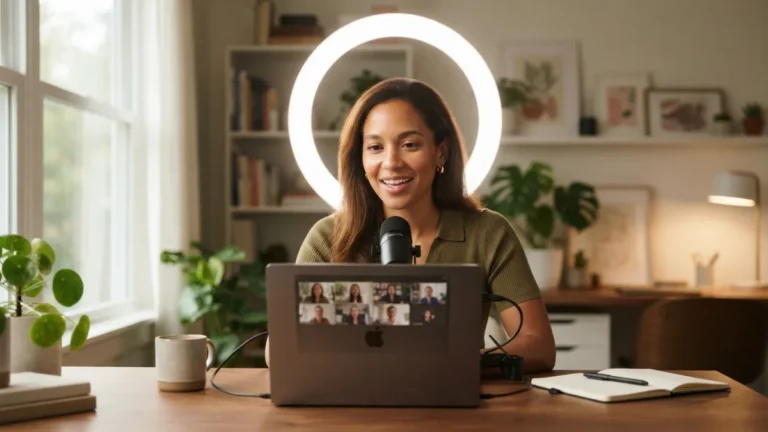
Good manners matter just as much as gear. Tell your partner about important meetings ahead of time, and check your camera background before you join. Keep your partner out of the frame unless they agree to be there. Mute your microphone when you are not speaking, and wear headphones so your partner does not hear the other side of your calls. If a meeting runs long, send a quick message instead of walking in. Small habits like these protect both careers. They also keep the peace, because nobody enjoys finding out that their sandwich break was visible to a whole team. This connects closely with another common issue — see AI Productivity Tools: 7 Best Picks for Remote Workers for more on that.
3. Set work life boundaries at home
When the office and the living room are the same place, work can follow you everywhere. Clear rules protect your relationship as much as your productivity. Agree on start and end times, and keep a shared calendar so each of you can see the other’s busy blocks. Create a “shutdown ritual,” such as closing the laptop, tidying the desk, and taking a short walk together. Decide where work talk is allowed. Many couples ban it at dinner, and it often helps. If you can, pick a place that feels like work and a place that does not. Even a simple curtain or a folding screen can mark the line between the two.
4. Invest in ergonomic home office chairs
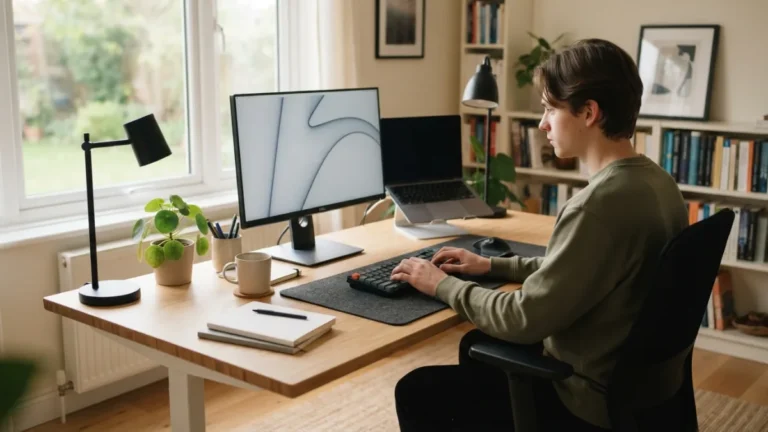
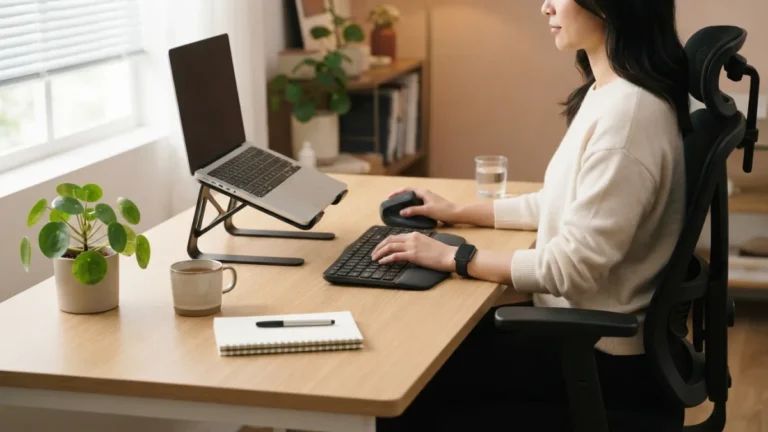
You will spend more hours in your chair than almost anywhere else, so it deserves attention. Look for ergonomic home office chairs with adjustable seat height, back support, and armrests that fit your body. Two people rarely share the same measurements, so each of you needs your own chair and your own settings. Your feet should rest flat, your screen should sit near eye level, and your wrists should stay in a relaxed position. OSHA’s computer workstations guide explains these basics in plain steps, and the Wikipedia overview of ergonomics gives helpful background. Expensive does not always mean better, so test a chair for a few days if the store allows it. Stand up and stretch often, too.
5. Try these home office lighting ideas
Good light helps your eyes, your mood, and your video image. Start with natural light, and place each screen so the window sits to the side, not behind it or directly in front. Glare and backlight make calls look worse and tire your eyes. For some home office lighting ideas that cost little, give each desk its own lamp so you can set the brightness without bothering your partner. A small light placed in front of your face, just behind the screen, makes you look clear on camera. Avoid a single harsh ceiling bulb if you can. Soft, even light works better. In the evening, lower the brightness and switch to warmer bulbs to help your day wind down. You might also find our article on Remote Work Tool Stack: 7 Best Free Picks for 2026 helpful here.
6. Choose small space office furniture
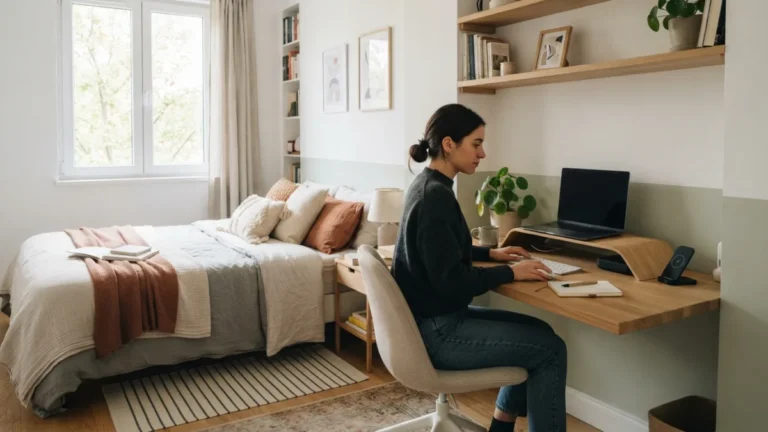
Not everyone has a spare room, and that is okay. Small space office furniture lets two people work in a corner of a bedroom or living room without crowding it. Look for a long, narrow desk that fits along one wall and seats two, or two slim desks that fold away. Wall shelves and monitor arms free up the desk surface. A rolling cart can hold printers, files, and chargers, and it moves out of sight when the day ends. If you have a closet with a bit of depth, a tiny desk inside it can become a quiet call booth. Measure twice before you buy, and leave enough room to walk behind each chair.
7. Fix cable management for desks
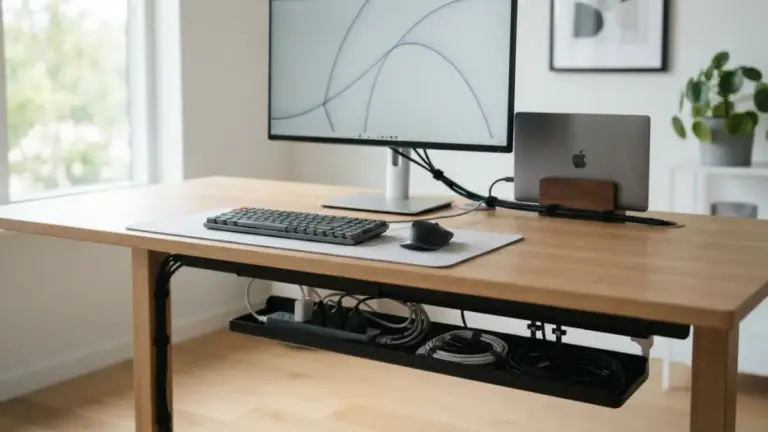
Two workstations mean twice as many cords, and a tangle of wires looks messy and can be unsafe. Good cable management for desks starts with a plan. Count what each of you plugs in, then use a power strip mounted under the desk so the cords stay off the floor. Cable trays, clips, and reusable ties gather loose wires into neat bundles. Label each charger with a small tag, so you never unplug your partner’s laptop in the middle of a meeting. Keep cords away from walkways, and do not overload one outlet or strip. Check the packaging for the maximum load. A tidy cable setup also makes it easier to move a desk later.
Keep Your Shared Home Office Setup Flexible
No setup is perfect on day one. Jobs change, schedules shift, and what worked in spring may feel wrong by winter. Set a reminder to review the plan after a month, then every few months after that. Ask each other what is working, what is annoying, and what you would change. Small tweaks, like swapping desk positions or changing call times, often solve a problem faster than new furniture. Remember that the goal is not a picture-perfect room. It is a space where both of you can focus, finish your work, and still enjoy coming home to each other when the laptops close. For a related walkthrough, check out Notion vs. Trello: Which Is Better for Remote Work?.
FAQ: Shared Home Office Setup for Couples
Can two people share one desk when working from home?
Yes, if the desk is long enough and you each have your own screen, chair, and storage space. A desk at least as wide as two people sitting comfortably works best. Add separate lamps and a divider or shelf if you want more privacy.
How can couples avoid disturbing each other during calls?
Use headsets with good microphones, share your meeting schedule, and agree on a simple signal for “I’m on a call.” Soft items like rugs and curtains reduce echo. If possible, take important calls in a different room.
What is the best layout for a couple in a small room?
Back to back or side by side usually works best in a small room. Back to back gives cleaner video backgrounds, while side by side saves space. Try each option for a few days before you decide.
How do we keep work from taking over our evenings?
Set fixed end times and a short shutdown routine, such as tidying your desk and going for a walk. Keep work talk away from the dinner table. If you can, cover or close off the workspace once the day is done.
Do we need two of everything in a shared home office?
Not everything. Each person should have their own chair, screen setup, and headset. You can share items like a printer, a power strip, or a shelf. Spend your money first on the things that touch your body and your calls.