Best Lighting Setup: 7 Easy Tips for Windowless Rooms
By mid-afternoon, a room without a window can feel like a waiting room: flat, dim, and oddly tiring. The best lighting setup can turn that space into a place where you focus well, look good on camera, and still have energy left at dinner time. You don’t need a big budget or an electrician. You need a plan, a few smart bulbs, and some patience with placement. This guide walks you through seven simple tips, from picking the right bulbs to lighting your face on calls. Follow them in order, or jump to the problem that bugs you most. Either way, you’ll end up with a workspace that feels a lot more like daytime.
Why Windowless Rooms Are Harder Than They Look
Most windowless office ideas start with one problem: a single ceiling light doing all the work. That one fixture throws flat, harsh light from above. It creates shadows under your eyes, glare on your screen, and a gloomy feeling in the corners. Daylight works differently. It changes through the day, comes from a wide area, and gives your brain a sense of time. A closed room has none of that, so you have to build it yourself. The goal isn’t simply “brighter.” You want light that is soft, even, and well placed, with a color that suits the time of day. The good news is that small, cheap changes can make a big difference. If you want to dig deeper, our guide on Lighting Tips for Video Calls That Actually Work covers this in more detail.
The Best Lighting Setup Uses Three Layers
Professional designers rarely rely on one light source, and you shouldn’t either. The best lighting setup for a closed room combines several layers that work together. Think of it as building a balanced mix instead of buying one powerful lamp. Each layer has a different job, and when you skip one, the room usually feels off. If you are on a budget, start with the first two layers and add the third later. Here is the simple framework used through the rest of this guide:
- Ambient light: the general glow that fills the room, usually from ceiling fixtures or a floor lamp.
- Task light: a focused lamp that helps you read, write, or work at your desk.
- Accent light: a soft glow behind your screen or on a wall that adds depth and reduces harsh contrast.
7 Easy Tips for Lighting a Room Without Windows
These seven tips go from the basics to the finishing touches. You can do most of them in a single weekend.
Tip 1: Start With Full Spectrum Bulbs
Full spectrum bulbs are a smart first upgrade because they make colors look more natural. Cheap LED bulbs can make skin look gray and wooden desks look dull. Look for a high Color Rendering Index, or CRI, on the packaging. A score of 90 or above is a common target for home offices, and you can read how the scale works on Wikipedia’s page on the color rendering index. The term “full spectrum” isn’t tightly regulated, so check the numbers instead of trusting the label alone. Replace your ceiling and lamp bulbs first, since they do the most work. Keep the wattage reasonable, and choose bulbs that fit your existing fixtures. This connects closely with another common issue — see Best Budget Desk Setups for Remote Workers for more on that.
Tip 2: Match Your Color Temperature Office Plan to the Day
Your color temperature office choice shapes how awake or relaxed the room feels. Color temperature is measured in kelvins (K), and this overview of color temperature explains the idea well. In simple terms, lower numbers look warm and yellow, while higher numbers look cool and bluish. Many people like neutral to cool white, roughly 4000K to 5000K, for daytime focus work. Warmer light around 2700K to 3000K feels better in the evening. Smart bulbs that let you change the setting can handle both. Whatever you pick, keep your lamps in the same range. Mixing very warm and very cool bulbs in one small room looks messy and tires your eyes.
Tip 3: Get Desk Lamp Placement Right
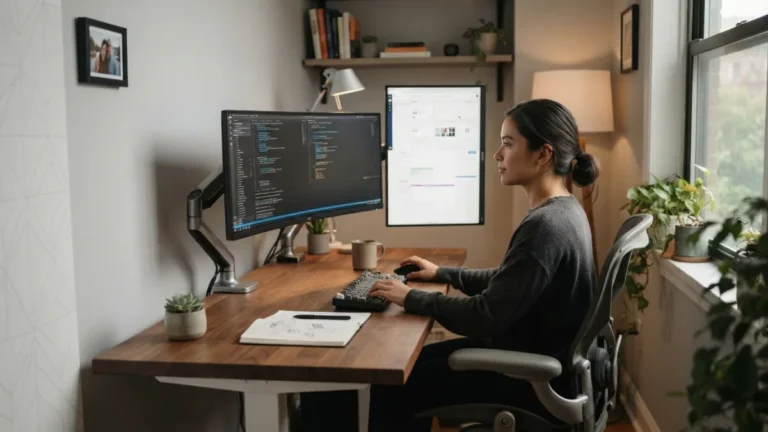
Desk lamp placement matters more than the price of the lamp. Put the light to the side, opposite your writing hand, so your arm doesn’t cast a shadow on your notes. Angle it down toward your work, and keep the bulb out of your direct line of sight. If the lamp sits behind or beside your screen at the wrong angle, it will bounce off the glass and create glare. Even the best lighting setup falls apart when a lamp reflects in your monitor. A lamp with an adjustable arm makes this easy to fix. Move it a few inches at a time, and check your screen from your normal seated position.
Tip 4: Fix Your Video Call Lighting
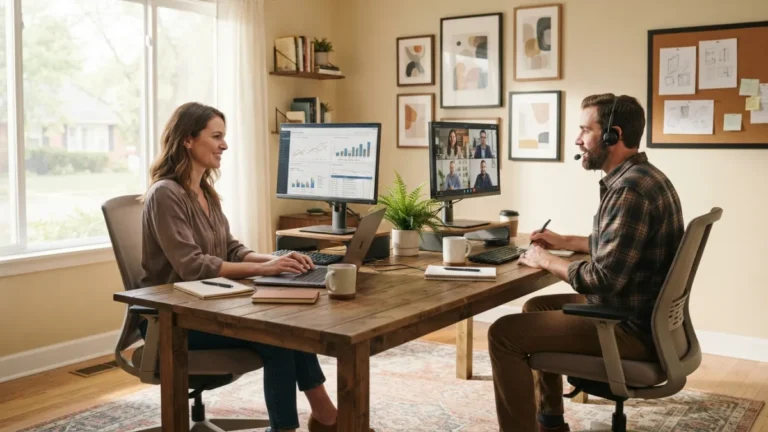
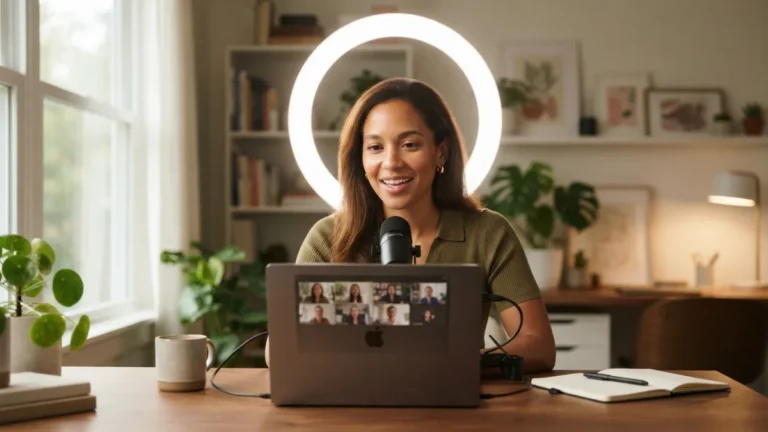
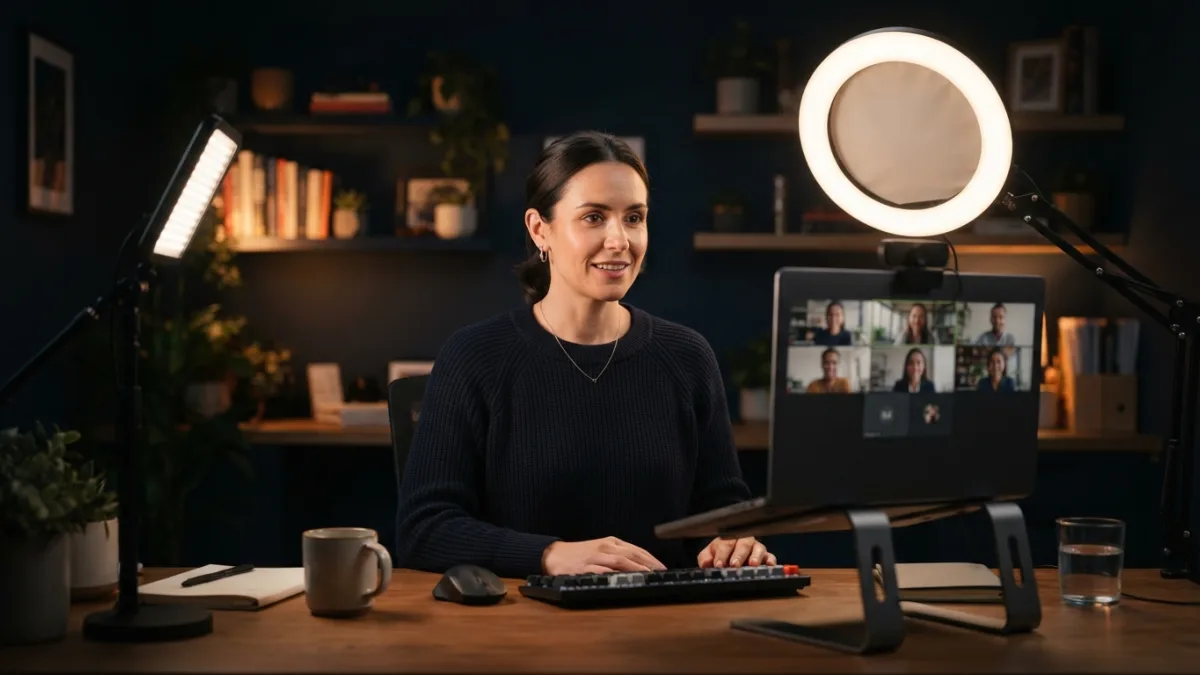
Good video call lighting starts with one rule: put the main light in front of you, not behind or above. Place a soft lamp just behind your laptop or monitor, slightly above eye level, and aim it at your face. If the light feels harsh, bounce it off a wall or put a shade or diffuser over it. Avoid relying only on the ceiling light, because it carves dark shadows under your eyes and nose. Also watch what’s behind you. A bright lamp in your background turns you into a silhouette, and a camera adjusts to the brightest thing it sees. A ring light helps, but a decent lamp works too. You might also find our article on Small Home Office: 7 Best Desk Ideas to Save Space helpful here.
Tip 5: Add Monitor Bias Lighting
Monitor bias lighting means placing a soft glow on the wall behind your screen. A small LED strip stuck to the back of your monitor does the job for a few dollars. The idea is simple. A bright screen in a dim room creates strong contrast, and your eyes keep adjusting between the two. A gentle backlight narrows that gap and makes the room feel calmer. Choose a neutral white strip, often around 6500K, and keep the brightness low. It should be a faint halo, not a spotlight. Strips with a dimmer or remote control let you tune the level through the day.
Tip 6: Reduce Eye Strain With Even Light
If you want to reduce eye strain, aim for even light instead of very bright light. Harsh glare, dark corners, and a screen that’s much brighter than the room all make your eyes work harder. Match your screen brightness to the room, and use lamps with shades or frosted covers. A matte screen filter or a screen with an anti-glare coating can help if reflections persist. Pair good lighting with breaks. The 20-20-20 habit is easy to remember: every 20 minutes, look at something about 20 feet away for 20 seconds. The best lighting setup can’t replace rest. If discomfort continues, see an eye care professional.
Tip 7: Consider a Light Therapy Lamp
A light therapy lamp is an optional extra that some remote workers use in the morning. These lamps give off very bright light, and Wikipedia’s overview of light therapy explains how and why people use them, including for seasonal affective disorder. They don’t replace a well-lit workspace, and they aren’t right for everyone. Talk with a doctor first, especially if you have mood concerns, eye conditions, or take medication that makes you sensitive to light. Follow the maker’s instructions on distance and timing. Place the lamp to the side of your screen, not behind it, and use it for a short session at the start of your day. For a related walkthrough, check out Space Saving Desks: 10 Best Picks for Tiny Offices.
Put It All Together This Weekend
You don’t need to do everything at once. Start by swapping your bulbs, then add a well-placed desk lamp, and finish with a bit of backlight and a face-friendly lamp for calls. Small steps add up quickly, and your eyes and mood will tell you what’s working. The best lighting setup is the one you can live with for eight hours without squinting, sulking, or fiddling with switches. Use this short checklist to get going:
- Replace harsh bulbs with high-CRI LEDs in a single, consistent color range.
- Place your desk lamp to the side and check for screen glare.
- Put a soft light in front of you for video calls.
- Add a dim strip behind your monitor.
- Take regular eye breaks, and ask a doctor before using any light therapy product.
FAQ
What is the best lighting setup for a room with no windows?
Combine three layers: soft ambient light, a side-placed task lamp, and a gentle glow behind your monitor. Use high-quality LED bulbs in a consistent color range, and adjust brightness through the day.
How bright should my home office be?
Bright enough to read comfortably without glare, and not so bright that your screen looks dim. Light that is even across the room usually works better than one very strong source.
Do I need a ring light for video meetings?
No. A ring light is convenient, but any soft lamp placed in front of you, slightly above eye level, can work well. Diffuse the light so it doesn’t look harsh on your face.
Is cool white or warm white better for working?
Many people prefer cooler, neutral white for daytime focus and warmer light in the evening. Personal comfort matters most, so try a few settings and keep what feels good.
Can lighting replace natural daylight completely?
Not entirely. Good lighting makes a closed room more comfortable, but you should still step outside during breaks when you can. If you worry about your mood or sleep, talk with a health professional.