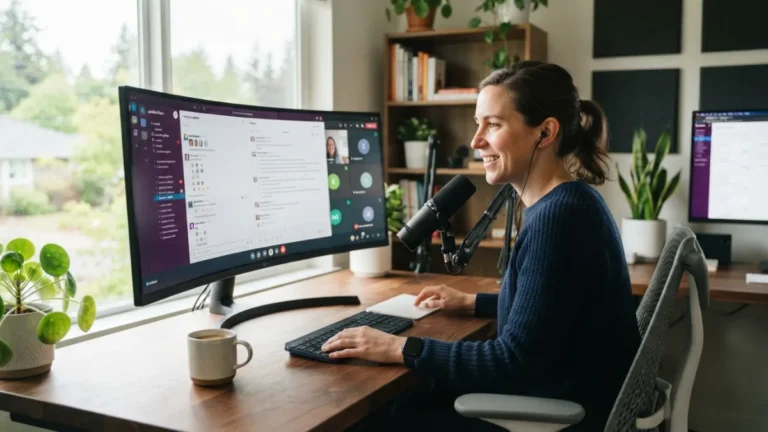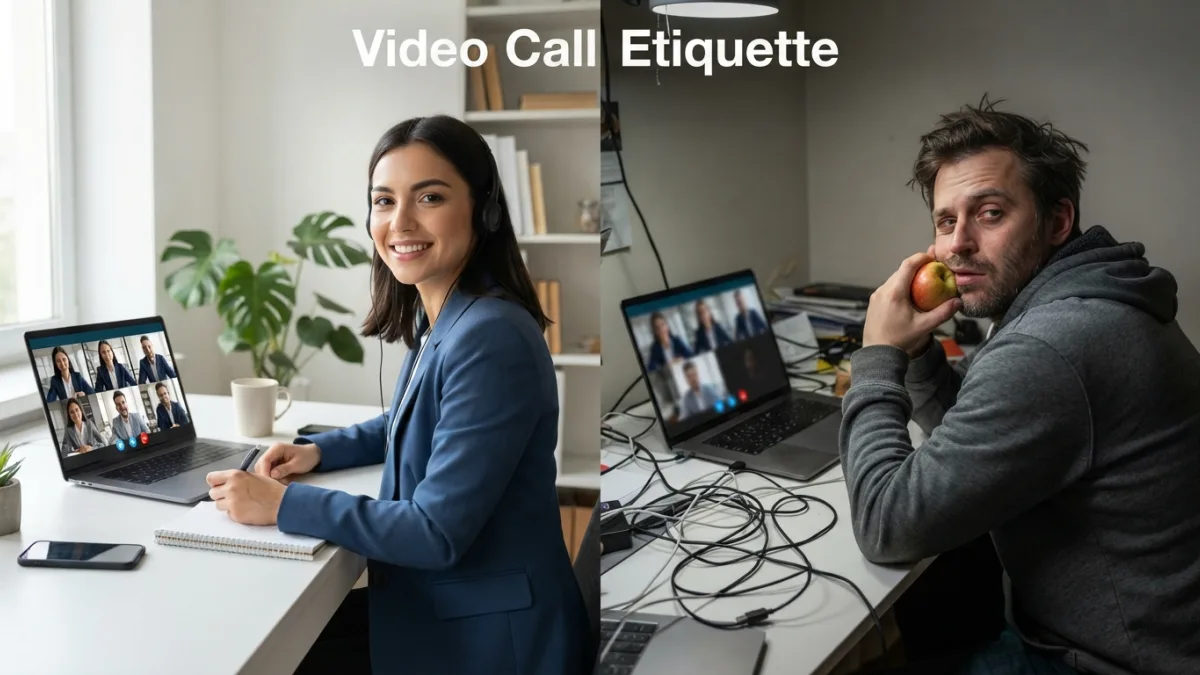
Video Call Etiquette: Dos and Don’ts for Remote Meetings
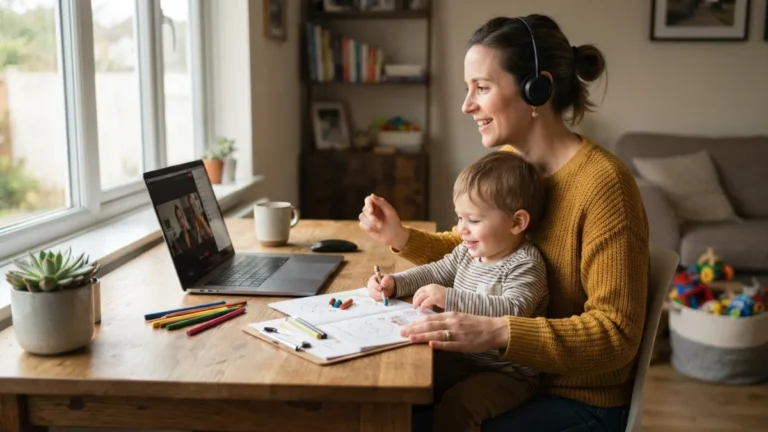
You freeze mid-sentence, your cat wanders across the keyboard, and your microphone picks up the blender running in the next room. Sound familiar? As remote and hybrid work have become the norm rather than the exception, video call etiquette has quietly turned into one of the most important professional skills nobody ever taught us in school. Whether you’re pitching a client, checking in with your team, or interviewing for a new job, how you show up on camera says a lot about how seriously you take the conversation.
Why Video Call Etiquette Matters More Than Ever
Work from home meetings aren’t going anywhere. Even companies that have called employees back to the office still rely heavily on video conferencing for cross-time-zone collaboration, client check-ins, and quick huddles that don’t justify a commute. That means the small habits you bring to every call, punctuality, eye contact, a clean background, add up over time to shape your professional reputation. A single awkward moment might get laughed off, but a pattern of sloppy habits can quietly undermine how colleagues and clients perceive your reliability. Good virtual meeting best practices aren’t about perfection; they’re about respect for other people’s time and attention. If you want to dig deeper, our guide on Lighting Tips for Video Calls That Actually Work covers this in more detail.
1. Test Your Tech Before You Log On
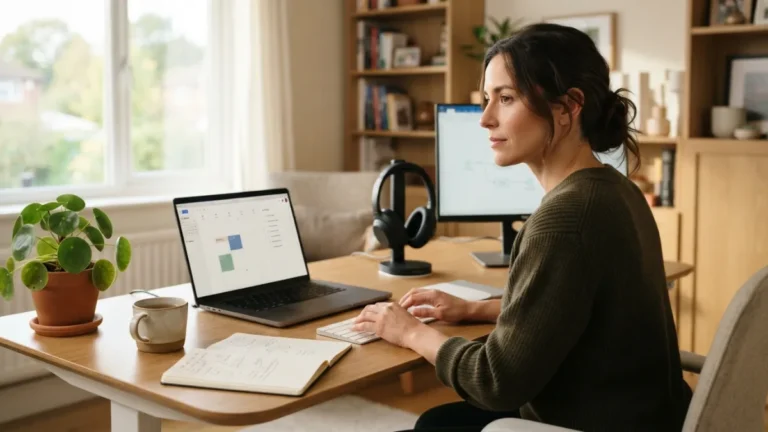
Nothing derails a meeting faster than the first five minutes being eaten up by “can you hear me now?” Before any important call, open your video platform a few minutes early and check your camera, microphone, and internet connection. If you’re using a new laptop, an updated browser, or a platform you haven’t tried before, like Zoom or Microsoft Teams, do a quick solo test call first. Close unnecessary browser tabs and apps that might slow your connection or trigger distracting notifications. A stable setup isn’t glamorous, but it’s the foundation every other piece of good video call etiquette is built on. Nobody remembers a smooth call, but everyone remembers a chaotic one.
2. Choose a Distraction-Free Background
Your background tells people something about you before you even say hello, so it pays to be intentional about it. A cluttered kitchen counter, an unmade bed, or a hallway with people walking past can pull attention away from what you’re actually saying. You don’t need a fancy home office; a plain wall, a tidy bookshelf, or a simple blurred background setting works perfectly well. If you must take a call from a busy space, most platforms now offer virtual backgrounds or blur features that hide the mess behind you. Good lighting matters too. Sitting with a window or lamp in front of you, rather than behind you, keeps your face visible instead of turning you into a silhouette.
3. Mute When You’re Not Speaking
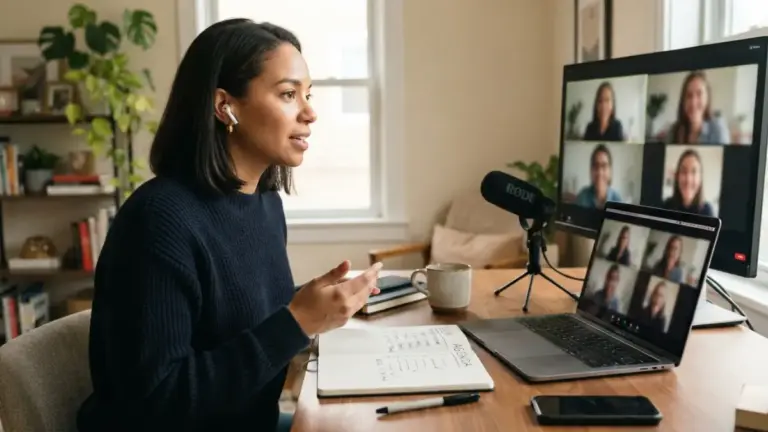
Background noise is one of the most common complaints about remote meetings, and it’s also one of the easiest problems to fix. Barking dogs, typing sounds, a ringing phone, all of it travels straight into everyone else’s headphones if your microphone stays open. Get in the habit of muting yourself the moment you finish talking, especially in larger group calls where several people might be listening at once. Many platforms let you hold a key to unmute temporarily, which is handy if you want to jump in quickly without fumbling for the mute button. This small habit alone can dramatically improve the overall audio quality of a meeting and shows genuine consideration for whoever is speaking. This connects closely with another common issue — see How to Avoid Meeting Overload When Working Remotely for more on that.
4. Dress Appropriately and Stay Camera-Ready
Working in pajama pants might be one of the perks of remote work, but showing up to a professional video call looking like you just rolled out of bed sends the wrong message. You don’t need a full suit for an internal check-in, but dressing as though you might actually see a client keeps you mentally prepared and visually presentable. This matters even more for job interviews or client-facing calls, where first impressions still count for a lot. Solid colors generally look better on camera than busy patterns, which can appear distorted through compression. A few minutes spent checking how you look on screen, not just in a mirror, can save you from an unflattering surprise once the meeting starts.
5. Look at the Camera, Not the Screen
It feels natural to watch people’s faces on your monitor, but that habit actually makes it look like you’re staring off to the side instead of at the person you’re speaking to. Glancing occasionally at your webcam, especially when you’re the one talking, creates a much stronger sense of eye contact and connection. This is one of those video conferencing etiquette details that seems small but genuinely changes how engaged you appear. It also helps to position your camera at eye level rather than looking down at you from above, which can feel oddly dominant or unflattering. A stack of books under a laptop does the trick if you don’t have an adjustable stand.
6. Stick to the Agenda and Respect Everyone’s Time
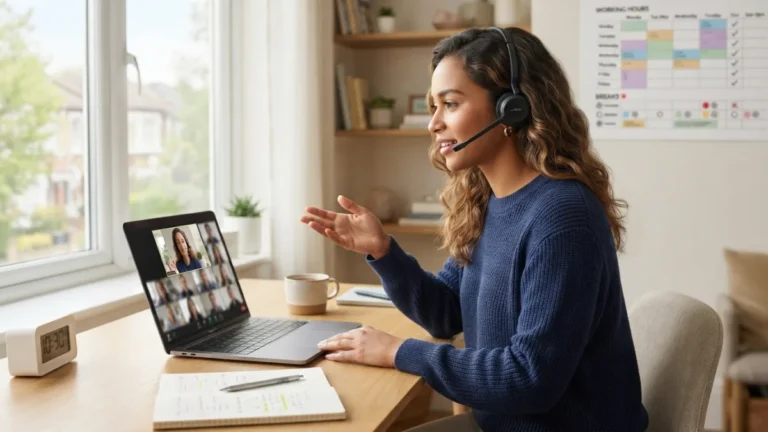
Few things frustrate coworkers more than a meeting that wanders off topic and runs twenty minutes over. Before scheduling a call, ask whether it could simply be an email or a quick message instead. If a meeting is genuinely necessary, send a short agenda beforehand so everyone knows what to expect and can prepare accordingly. During the call, gently steer conversations back on track if they start drifting, and watch the clock so you end on time or even a little early. Remote meeting tips from experienced managers almost always circle back to this point: people’s calendars are already packed, and protecting that time builds trust far more than any polished slide deck ever could. You might also find our article on Best Budget Desk Setups for Remote Workers helpful here.
7. Follow Up with Notes and Next Steps
A great meeting doesn’t end when the call disconnects. Taking a few minutes afterward to send a short summary, key decisions, action items, and deadlines, keeps everyone aligned and prevents the “wait, who was doing what?” confusion that so often follows remote discussions. This is particularly useful for teams spread across different time zones, since not everyone can attend live or catch every detail in real time. According to general guidance on videoconferencing practices, clear documentation is one of the main ways distributed teams stay coordinated without constant back-and-forth. A simple written recap also gives quieter team members a chance to raise questions or concerns they might not have voiced during the call itself.
Bringing It All Together
None of these habits require expensive equipment or technical expertise, just a bit of awareness and consistency. Professional video calls run smoother when everyone involved mutes when appropriate, shows up on time, and treats the screen the same way they’d treat an in-person meeting room. Video call etiquette isn’t about rigid rules; it’s about making remote collaboration feel less awkward and more human, even through a screen. As hybrid work continues to shape how teams communicate, these small courtesies will likely matter even more, not less, in the years ahead.
Frequently Asked Questions
What is video call etiquette, exactly?
It refers to the unwritten rules of behavior that make virtual meetings run smoothly, things like muting your microphone, dressing appropriately, staying on topic, and giving your full attention to the conversation instead of multitasking. For a related walkthrough, check out Best Free Productivity Apps for Remote Workers.
How early should I join a video call?
Aim to log in two to three minutes before the scheduled start time. This gives you a buffer to fix any last-minute tech issues without making others wait or feeling rushed yourself.
Is it rude to keep my camera off during meetings?
It depends on the context and company culture. For small, interactive meetings, keeping your camera on generally shows engagement. For large webinars or when bandwidth is limited, turning it off is usually acceptable, especially if you let the host know.
What should I do if my internet connection is unstable during an important call?
Turn off your video to save bandwidth, move closer to your router, or switch to a wired connection if possible. If problems persist, let the group know and offer to dial in by phone or follow up afterward.
How can I avoid awkward silences or interruptions on a group call?
Use visual cues like a raised hand feature, wait for a natural pause before speaking, and try not to talk over others. A quick “go ahead” or a nod can help signal whose turn it is to speak next.