Ergonomic Home Office Essentials Under $100
Your back aches by 2 p.m., your wrists feel stiff after typing for an hour, and your neck has developed a permanent forward tilt. Sound familiar? The good news is that fixing these problems doesn’t require a four-figure budget. A handful of smart, ergonomic home office essentials can transform a kitchen-table workstation into a setup that actually supports your body, and you can grab all of them for under $100 each.
Poor posture and repetitive strain are common complaints among people who work from home, and health experts have been sounding the alarm for years. The Occupational Safety and Health Administration’s guidance on computer workstations points out that small adjustments to your chair, monitor, and keyboard placement can meaningfully reduce strain over time. You don’t need to buy everything at once. Start with one or two upgrades, notice the difference, and build from there. If you want to dig deeper, our guide on How to Set Up a Home Office in a Small Apartment covers this in more detail.
What Makes an Ergonomic Home Office Essential?
Not every gadget labeled “ergonomic” actually earns the title. A genuinely useful product adjusts to fit your body rather than forcing your body to adapt to it. Look for items that support a neutral spine, keep your wrists straight while typing, and let your eyes meet your screen without tilting your head up or down. The Cornell University Ergonomics Program has long emphasized that proper alignment of the neck, back, and wrists prevents the kind of chronic discomfort that builds up slowly and becomes hard to reverse. Keep that principle in mind as you shop, and skip anything that looks trendy but doesn’t actually adjust to your height, reach, or posture.
The 7 Best Ergonomic Home Office Essentials Under $100
Here are seven budget-friendly picks that make the biggest difference for the least money. Each one addresses a specific pain point, from a sore lower back to a cramped wrist, and none of them will break your budget home office setup.
1. A Lumbar Support Cushion for Your Existing Chair
If a brand-new affordable ergonomic chair isn’t in the cards right now, a lumbar cushion is the next best thing. These curved pillows strap onto almost any chair and push your lower spine into a healthier curve, which takes pressure off your discs during long sitting stretches. Memory foam versions tend to hold their shape longer than basic foam ones, and most cost between $20 and $40. This is often the single cheapest way to turn an uncomfortable dining chair into something you can sit in for hours without wincing.
2. An Adjustable Monitor Stand or Riser
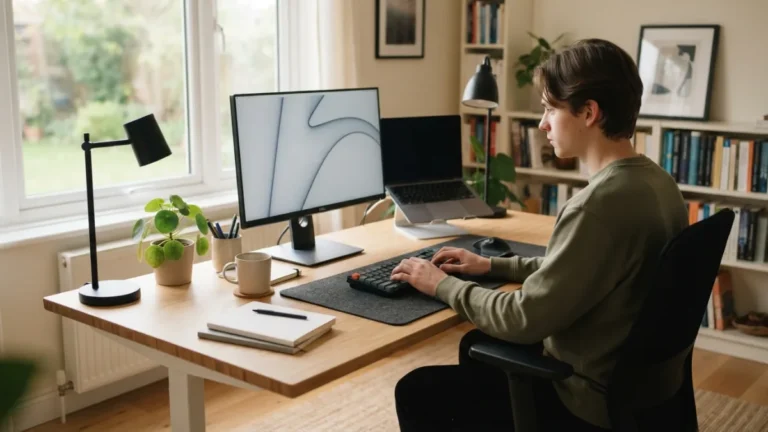
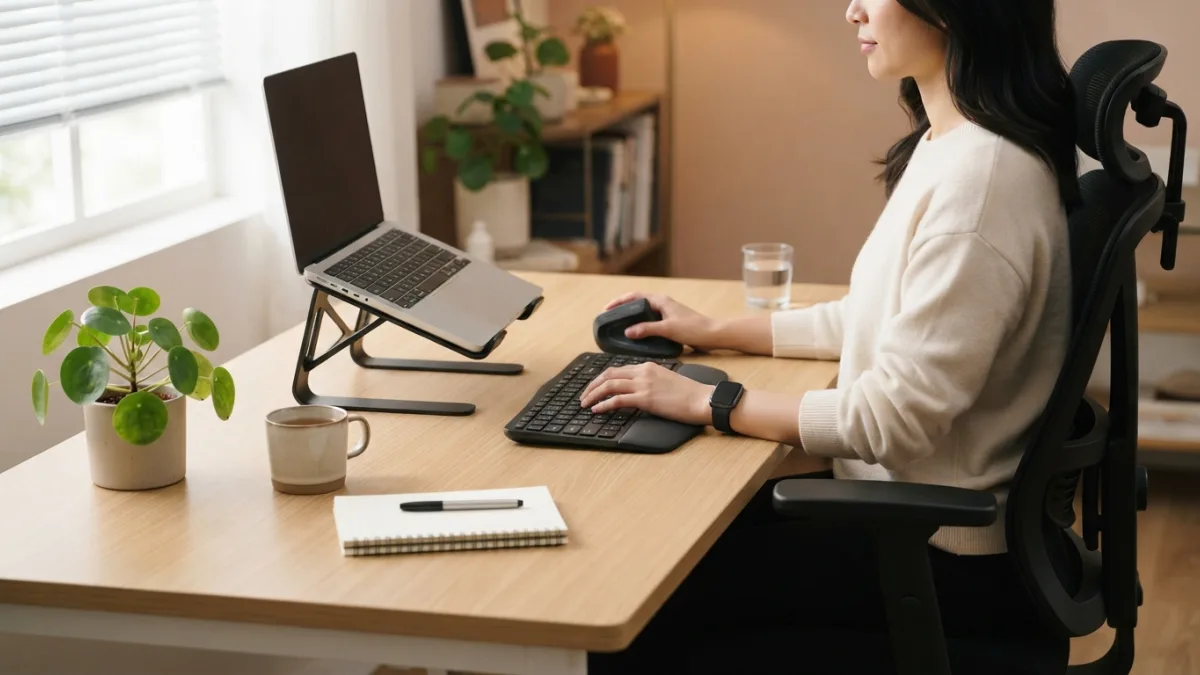
Staring down at a laptop screen all day strains your neck more than most people realize. A monitor stand raises your screen so the top sits at or just below eye level, which keeps your head balanced instead of tilted forward. Many risers double as storage, tucking away papers or a keyboard underneath, and prices generally range from $15 to $50 depending on materials and adjustability. Bamboo and metal versions both work well, so pick whichever fits your desk’s style and weight limit. This connects closely with another common issue — see How to "Leave the Office" When You Work From Home for more on that.
3. A Wrist Support Keyboard and Ergonomic Mouse Pad
Wrist pain from typing usually comes from bending your hands upward at an awkward angle for hours at a time. A wrist support keyboard, paired with a cushioned mouse pad, keeps your hands in a flatter, more natural position. Split or curved keyboards cost a bit more, but plenty of padded wrist rests and ergonomic combo sets sell for $25 to $60. If you already like your current keyboard, a standalone gel wrist rest alone can cost as little as $10 and still make a real difference.
4. A Standing Desk Converter
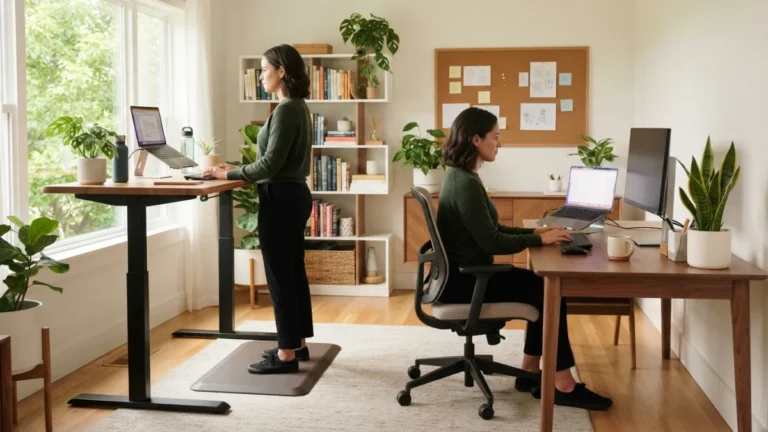
Switching between sitting and standing throughout the day helps break up long stretches of stillness, and a standing desk converter lets you do that without buying a whole new desk. These platforms sit on top of your existing surface and lift your monitor and keyboard to standing height with a simple crank or spring mechanism. Budget models typically run between $60 and $100, and while they’re smaller than full standing desks, they still give your legs and back a break from constant sitting. Wikipedia’s overview of the standing desk explains how alternating between postures throughout the workday is generally considered healthier than staying in one position for hours.
5. An Adjustable Footrest
If your chair puts your feet dangling above the floor, or your desk sits a bit too high, a footrest solves the problem instantly. Proper foot support keeps your knees at a comfortable angle and prevents pressure from building up in your thighs and lower back. Simple foam wedges cost around $15, while rocking or tilting models with adjustable height run closer to $30 or $40. This is a small purchase that pays off fast, especially if you’re on the shorter side or work at a desk that wasn’t built with your height in mind.
6. An Adjustable Desk Lamp
Eye strain sneaks up on you just as easily as back pain does, and bad lighting is often the hidden culprit. A desk lamp with adjustable brightness and a flexible arm lets you angle light exactly where you need it, reducing glare on your screen and easing the strain of staring at a monitor for hours. LED options with multiple brightness settings usually cost between $20 and $45, and many now include USB charging ports built into the base, which is a nice bonus for a cluttered desk. You might also find our article on Best Budget Desk Setups for Remote Workers helpful here.
7. Ergonomic Desk Accessories for Cable and Clutter Management
A messy desk doesn’t just look chaotic, it actually affects how you sit and move. Cables snaking across your workspace force you to twist awkwardly to reach things, and clutter pushes your keyboard and mouse further from a neutral position than they should be. A simple set of ergonomic desk accessories, like a cable tray, a monitor arm clip, and a small organizer tray, costs less than $30 total and frees up space so your arms and wrists can rest in a more natural position. It’s a small fix, but it removes a surprising amount of daily friction.
Comparing the 7 Ergonomic Home Office Essentials
Here’s a quick side-by-side look to help you decide where to start, based on typical price range and the main problem each item solves.
| Item | Typical Price Range | Main Benefit |
|---|---|---|
| Lumbar Support Cushion | $20–$40 | Supports lower back curve |
| Monitor Stand or Riser | $15–$50 | Reduces neck strain |
| Wrist Support Keyboard/Mouse Pad | $10–$60 | Keeps wrists in a neutral position |
| Standing Desk Converter | $60–$100 | Allows sit-stand alternation |
| Adjustable Footrest | $15–$40 | Improves leg and hip alignment |
| Adjustable Desk Lamp | $20–$45 | Reduces eye strain and glare |
| Cable and Desk Organizers | Under $30 | Clears space for a natural posture |
Tips for Building a Budget Home Office Setup
You don’t need to buy all seven items in one shopping trip. Start with whatever body part complains the loudest, whether that’s your lower back, your wrists, or your neck, and add the next piece once that first upgrade earns its place on your desk. Watch for sales around major shopping holidays, since ergonomic accessories often see solid discounts then. It also helps to measure your desk and chair before buying anything adjustable, so you don’t end up with a monitor stand or footrest that doesn’t fit your existing furniture. Small, consistent upgrades usually beat one expensive splurge, both for your wallet and for how quickly you’ll notice the difference in your daily comfort.
Frequently Asked Questions
What are the most important ergonomic home office essentials to buy first?
Start with whatever causes the most discomfort. If your back hurts most, buy a lumbar cushion first. If your neck aches from looking down at a laptop, a monitor riser should come first instead. For a related walkthrough, check out How to Structure Your Day When You Work From Home.
Can I build a fully ergonomic setup without buying an expensive chair?
Yes. A lumbar cushion, footrest, and proper monitor height can noticeably improve an ordinary chair’s comfort. An affordable ergonomic chair is a nice upgrade eventually, but it’s not the only path to better posture.
Is a standing desk converter worth it if I already sit most of the day?
It’s worth trying if you can alternate between sitting and standing throughout the day. Even short standing breaks help reduce the stiffness that comes from staying in one position for too long.
How do I know if a keyboard or mouse pad actually supports my wrists properly?
Your wrists should stay flat and straight while typing, not bent up or to the side. If a wrist support keyboard or pad keeps your hands level with your forearms, it’s doing its job correctly.
Do cheap ergonomic accessories actually make a difference?
They can, as long as they’re adjustable and fit your body correctly. Price matters less than proper fit and function, so a $20 cushion that supports your spine well beats a $100 gadget that doesn’t suit your setup.