Best Budget Desk Setups for Remote Workers
Working from your kitchen table with a laptop balanced on a stack of books gets old fast. If your back aches by lunchtime and your neck feels stiff by 3 p.m., you don’t need a $2,000 office overhaul to fix it. Budget desk setups have become a popular solution for remote workers who want comfort and productivity without draining their savings. With a little research and some smart shopping, you can build a functional, even stylish, home workspace for a fraction of what furniture stores charge.
Why a Budget Desk Setup Still Matters
Some people assume that spending less money on a home office means settling for less quality, but that’s not really true anymore. The market for affordable home office setup pieces has grown so much that budget-friendly doesn’t automatically mean flimsy or uncomfortable. Many companies now design specifically for remote workers who want ergonomic support without the premium price tag. A thoughtful setup also protects your long-term health, since poor posture and bad lighting can lead to chronic pain over months of daily use. Investing even a small amount of time and money into your workspace pays off in fewer aches, better focus, and a clearer separation between work life and home life, especially if you share your living space with family or roommates. If you want to dig deeper, our guide on How to "Leave the Office" When You Work From Home covers this in more detail.
Start With the Right Desk
Your desk is the foundation of everything else, so it makes sense to get this piece right before adding accessories. You don’t need a massive corner unit or a motorized standing desk to work comfortably, though those options exist at lower price points than you might expect. Look for a desk that’s at least 40 inches wide, giving you room for a laptop, monitor, and notebook without feeling cramped. Depth matters too; anything under 20 inches can feel tight once you add a keyboard and mouse.
Affordable Desk Options Worth Considering
- Compact writing desks from budget furniture retailers, often under $80
- Folding desks that tuck away when not in use, ideal for small apartments
- Secondhand desks from thrift stores or online marketplaces, frequently under $50
- Adjustable-height desk converters that sit on top of an existing table
Chairs That Won’t Break the Bank
A cheap chair can undo all the good work of a great desk if it doesn’t support your lower back properly. You don’t have to spend hundreds of dollars on an ergonomic office chair to get decent lumbar support and adjustable height. Several budget brands now offer chairs with mesh backing, adjustable armrests, and tilt functions for under $150, which puts them within reach for most remote workers. If your budget is even tighter, a lumbar support cushion added to a basic chair can make a noticeable difference. Sitting for eight hours a day without proper support isn’t just uncomfortable, it can lead to real problems over time, so this is one area where it’s worth prioritizing spending even if you cut corners elsewhere in your setup.
Ergonomic Desk Accessories That Cost Little
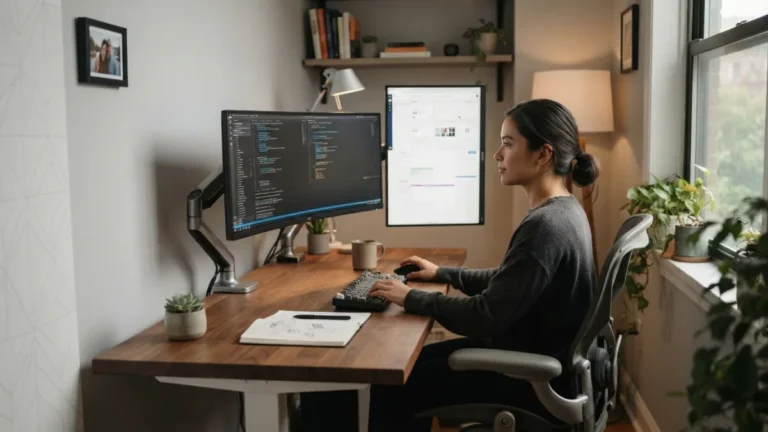
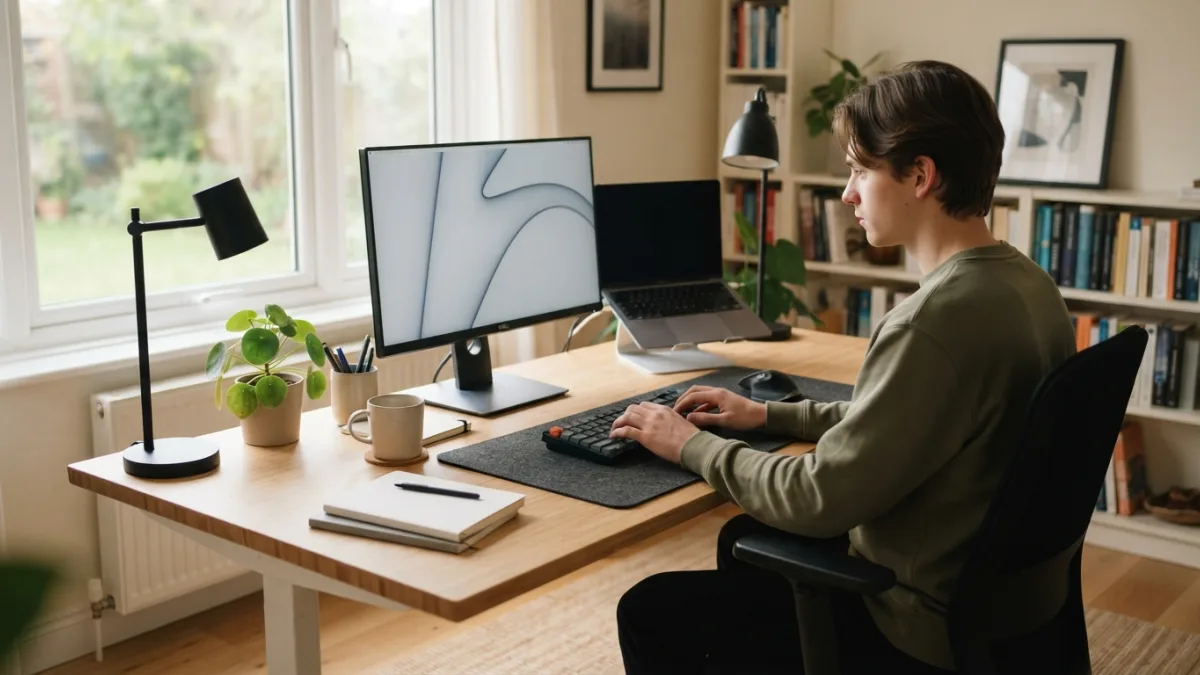
Ergonomic desk accessories don’t have to be expensive to make a real difference in how your body feels after a long workday. A simple wrist rest for your keyboard, for example, often costs less than ten dollars but can reduce strain significantly. Laptop stands raise your screen to eye level, which helps prevent the neck strain that comes from looking down all day, and many solid options are priced under $25. A separate keyboard and mouse, paired with a laptop stand, lets you build a more ergonomic layout without buying a full desktop computer. These small, inexpensive additions are often the most cost-effective upgrades you can make to any budget desk setup, delivering comfort improvements that are disproportionate to their low price. This connects closely with another common issue — see Best Free Productivity Apps for Remote Workers for more on that.
Comparing Budget Desk Setup Tiers
Not everyone has the same budget, so it helps to see what your money buys at different price points. The table below breaks down three realistic tiers for building a home office, from bare-bones to comfortably equipped, so you can decide where your priorities lie based on how much time you spend at your desk and what your body needs most.
| Budget Tier | Approximate Cost | What You Get |
|---|---|---|
| Starter | $100–$150 | Basic desk, folding chair with cushion, wrist rest, desk lamp |
| Mid-Range | $250–$350 | Sturdier desk, mesh office chair, laptop stand, external keyboard/mouse, monitor light |
| Comfort-Focused | $450–$600 | Adjustable-height desk, ergonomic chair, monitor arm, cable management kit, quality lighting |
Lighting and Monitor Setup on a Budget
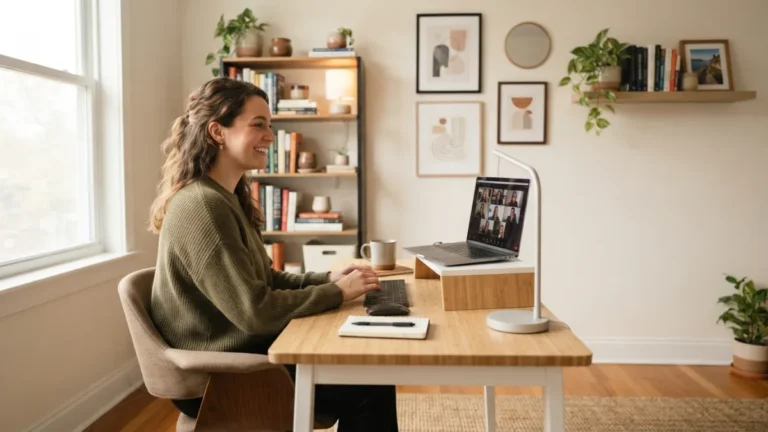
Good lighting affects your mood and energy levels more than most people realize, especially during video calls when harsh overhead light can make you look tired. Positioning your desk near a window is free and remains one of the best ways to get natural light throughout the day. When natural light isn’t available, a basic LED desk lamp with adjustable brightness costs around $20 to $30 and makes a noticeable difference. For monitors, you don’t need to buy a brand-new screen; refurbished or secondhand monitors often sell for half the retail price and work just as well for everyday tasks like email, spreadsheets, and video calls. A monitor riser, which can be as simple as a stack of sturdy books, also helps reduce neck strain by raising your screen closer to eye level.
Cable Management and Small Add-Ons
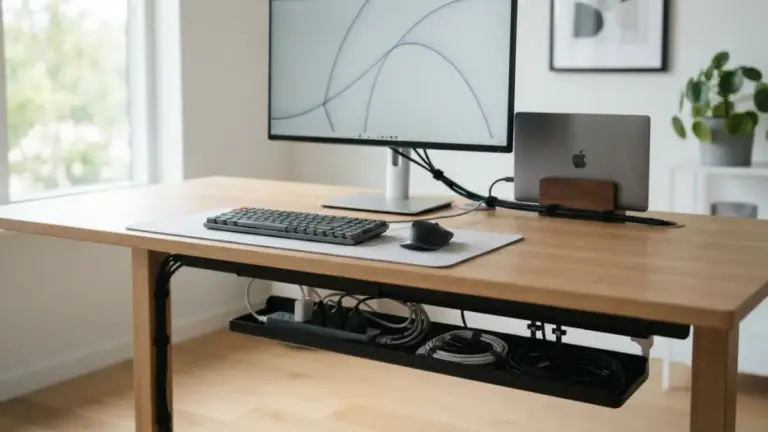
Tangled cables might seem like a minor annoyance, but a cluttered desk can actually reduce your focus and make your workspace feel more stressful than it needs to be. Cheap desk accessories like adhesive cable clips, a simple cable sleeve, or a small under-desk tray can organize your setup for under $15 total. A power strip mounted to the underside of your desk keeps outlets accessible without cords running across the floor. Desk organizers for pens, notebooks, and chargers are widely available at dollar stores and discount retailers, often for just a few dollars each. These small purchases don’t cost much, but they add up to a workspace that feels calmer and more professional, which matters if you’re taking video calls or hosting virtual meetings regularly. You might also find our article on How to Set Up a Home Office in a Small Apartment helpful here.
DIY and Secondhand Options for an Affordable Home Office Setup
Some of the best deals on office furniture come from places you might not expect, like estate sales, university surplus sales, or local online marketplaces where people sell furniture when they move. Office supply stores also run frequent clearance sales on open-box or slightly damaged items that work perfectly fine once you get them home. Building your own desk from a door blank and two filing cabinets is a classic DIY trick that costs less than most pre-made desks and gives you a custom size. Repurposing furniture you already own, like turning an old dining table into a desk, is another way to avoid new purchases altogether. These approaches take a bit more effort and patience, but they can cut your total setup cost dramatically compared to buying everything new from a retail store.
Home Office Furniture Ideas for Small Spaces
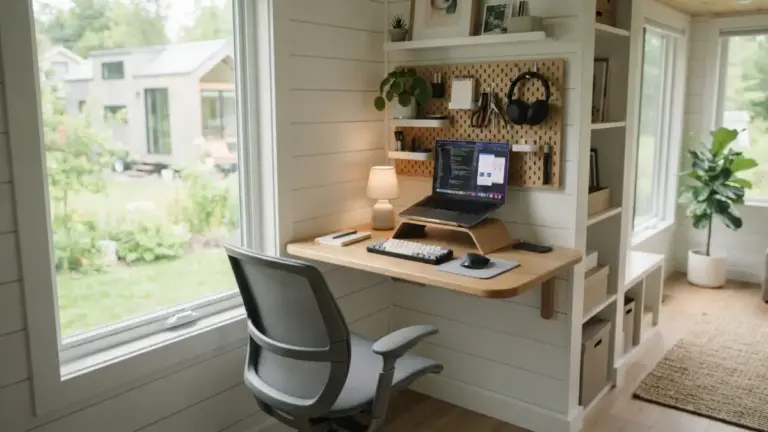
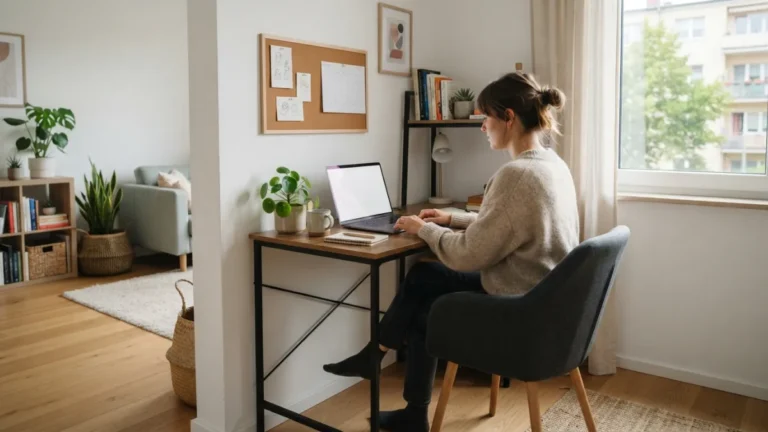
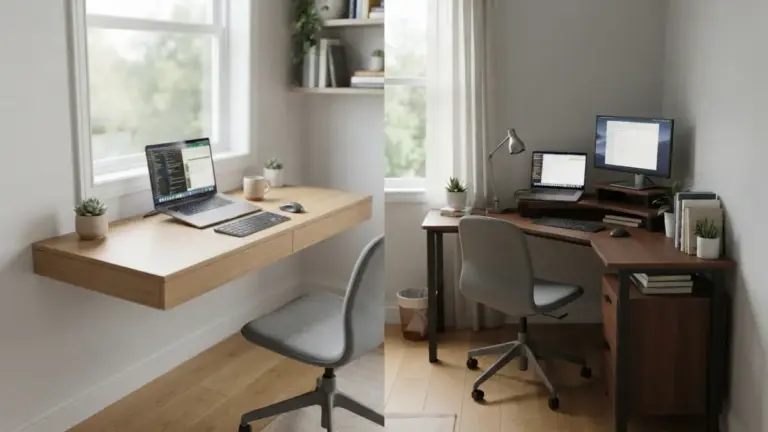
Not everyone has a spare room to dedicate to a home office, and that’s fine because plenty of home office furniture ideas work well in tight spaces. Wall-mounted folding desks fold flat against the wall when you’re done working, freeing up floor space in studio apartments or shared bedrooms. Corner desks make use of otherwise wasted space and often cost less than large L-shaped units. If storage is limited, a rolling cart can hold office supplies and slide under the desk when not needed, keeping your space flexible for other uses in the evening. Room dividers or curtains can also create a visual boundary between your workspace and living area, which helps mentally separate work time from personal time even in a one-room apartment.
Building a comfortable, functional home office doesn’t require a big budget or a dedicated room. With some patience, a bit of research, and a willingness to mix new purchases with secondhand finds, you can put together budget desk setups that support your body and your work just as well as expensive alternatives. Start with the essentials, your desk and chair, then add ergonomic accessories and lighting as your budget allows. Remote work is likely here to stay for many people, so investing a little time now in creating a workspace that works for you will pay off in comfort and productivity for months and years to come. For a related walkthrough, check out The Perfect Morning Routine for Remote Workers (Step-by-Step).
Frequently Asked Questions
How much does it really cost to set up a budget home office?
A basic but functional setup can cost as little as $100 to $150, covering a simple desk, a chair with added cushion support, and a desk lamp. Spending closer to $300 to $500 gets you a more ergonomic experience with an adjustable chair, laptop stand, and better lighting.
What’s the single most important item to spend more on?
Most experts and remote workers agree that the chair deserves the biggest portion of your budget, since poor seating support causes the most physical discomfort over long workdays.
Can I build a good setup entirely with secondhand furniture?
Yes, many remote workers furnish their entire home office with secondhand desks, chairs, and monitors found through online marketplaces, thrift stores, or local sales, often saving more than half compared to buying new.
Do I need a standing desk for a healthy setup?
No, a standing desk is nice to have but not essential. A well-positioned monitor, a supportive chair, and regular movement breaks throughout the day can address most posture concerns without the added expense.
What are the cheapest ergonomic upgrades I can make right now?
A wrist rest, a laptop stand, and a lumbar cushion are three of the most affordable ergonomic desk accessories available, often costing less than $50 combined while noticeably improving comfort.